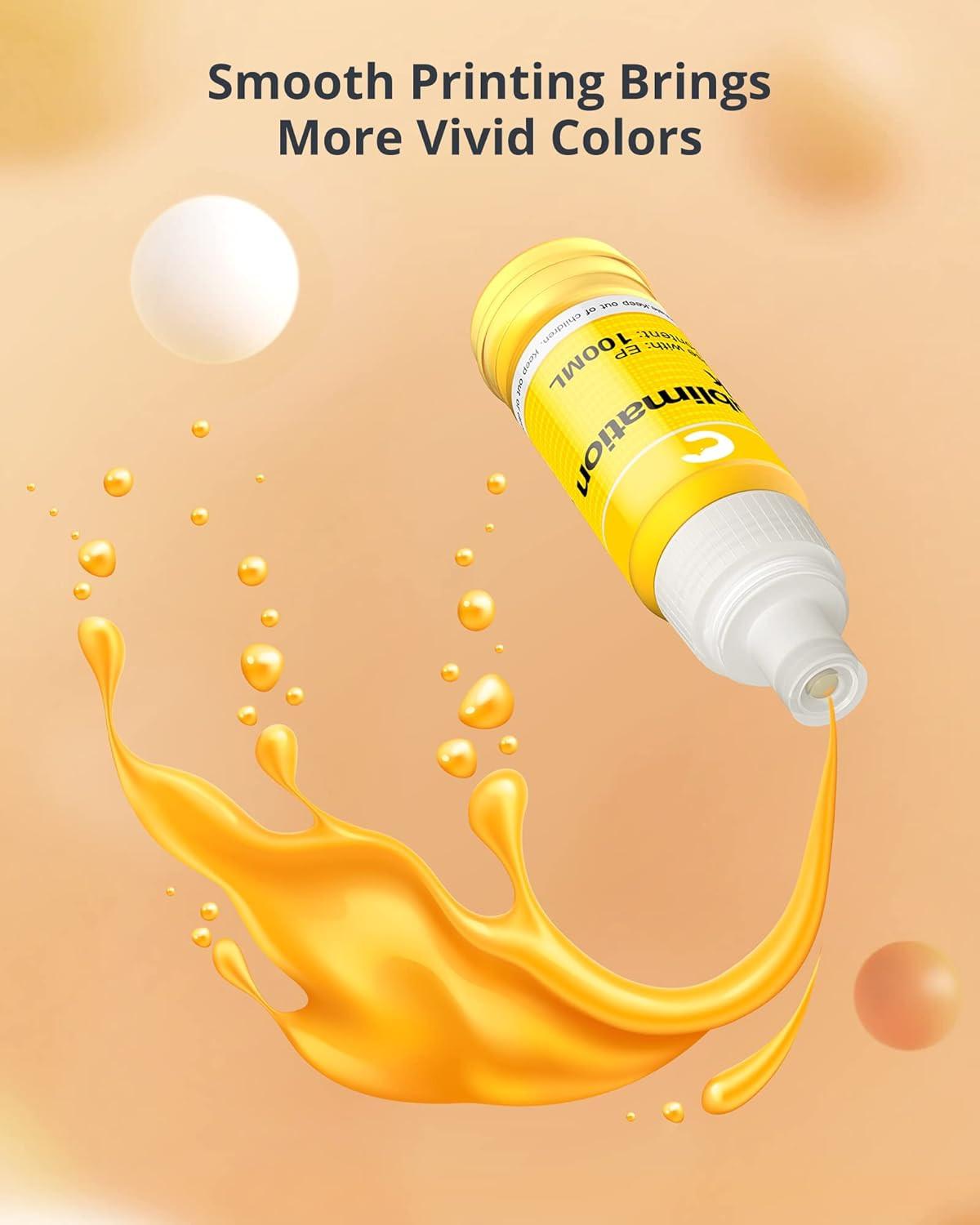
Hiipoo Sublimation Ink Refilled Bottles Work with ET-2720 ET-2760 ET-2800 ET-15000 ET-2803 ET-2850 ET-3760 ET-4800 ET-4760 Inkjet Printer Heat Press Transfer on Mugs T-Shirts Pillows Phone Case
Hiipoo Sublimation Ink Refilled Bottles Work with ET-2720 ET-2760 ET-2800 ET-15000 ET-2803 ET-2850 ET-3760 ET-4800 ET-4760 Inkjet Printer Heat Press Transfer on Mugs T-Shirts Pillows Phone Case
Regular price
$30.73 USD
Regular price
$30.73 USD
Sale price
$30.73 USD
Shipping calculated at checkout.


| Model Name | Sublimation Ink |
| Brand | Hiipoo |
| Ink Color | Black, Cyan, Magenta, Yellow |
| Page Yield | 3000 |
| Compatible Devices | Printer |
| Compatibility Options | Compatible |
| Color | BK/1C/1Y/1M |
| Ink Base | Water |
| Compatible Printer Models | ET-2720 ET-2760 ET-2800 ET-15000 ET-2803 ET-2850 |
| Manufacturer | Hiipoo |
Product features
Product features
Materials and care
Materials and care
Merchandising tips
Merchandising tips