

Best Third Party Pigment Ink: 2026 Guide
Table of Contents
- What Makes a Third Party Pigment Ink Worth Using?
- Pigment vs Dye Ink for Photography and Professional Printing
- Top Third Party Pigment Inks Ranked for 2026
- How to Prevent Printhead Clogging with Third-Party Ink
- Color Profiling for Aftermarket Pigment Ink
- Environmental and Sustainability Comparison
- Which Third Party Pigment Ink Should You Choose?
- Conclusion
Last Updated: August 22, 2026
Switching to a third party pigment ink is one of the most consequential decisions a professional print shop can make. At Printer Ink Pro, we work with fine art photographers, high-volume shops, and garment decorators who ask the same core question: can aftermarket pigment inks match OEM output without destroying a printhead? The short answer is yes, provided you choose the right formulation for your printer and paper combination. Below, we cover the technical factors that separate good ink from great ink, and give you the maintenance and color management framework to protect your equipment.
Quick Picks:
- Best Overall: Printer Ink Pro Pigment Inks - wide compatibility, refillable system, maintenance support
What Makes a Third Party Pigment Ink Worth Using?
A third party pigment ink is worth using when it matches or exceeds OEM specifications for viscosity, pH, surface tension, and particle dispersion without introducing printhead risk. Most printhead failures attributed to third-party inks trace back to poorly filtered, inconsistent formulations rather than pigment ink as a category.
Resin Encapsulation and Ink Viscosity
Resin encapsulation coats pigment particles in a polymer shell before suspension in the ink carrier fluid. This stabilizes pigment dispersion, prevents particle settling and nozzle blockage, and creates a protective layer on the print surface that improves scratch and water resistance.
Ink viscosity directly affects how cleanly a printhead fires (peer-reviewed research). Inks too thin produce satellite droplets and color shift; inks too thick cause incomplete firing and clogging. Professional-grade third-party pigment inks are microfiltered to remove oversized particles and formulated to match the viscosity window of specific printhead architectures.
OEM vs. Aftermarket: Cost-Per-Print Reality
OEM ink cartridges carry a significant price premium. The cost-per-print difference between OEM and quality aftermarket pigment inks is substantial enough that many professional shops recoup the cost of a refillable cartridge system within the first few months of operation.
Pigment vs Dye Ink for Photography and Professional Printing
Pigment vs dye ink comes down to longevity and color behavior on specialty papers. Pigment-based inks use solid color particles suspended in liquid; dye-based inks dissolve colorants completely into the carrier. This structural difference drives every practical distinction between them.
Archival Quality and Print Longevity
Archival quality refers to a print's resistance to fading, yellowing, and color shift over time under normal display conditions. Pigment-based inks consistently outperform dye-based formulations because encapsulated pigment particles are chemically stable and resistant to UV degradation.
According to Wilhelm Imaging Research's print permanence testing methodology, lightfastness ratings for pigment prints on quality fine art papers routinely exceed 75 years under gallery display conditions. Dye-based prints on the same substrates typically rate significantly lower. For fine art photographers and print shops producing work expected to last, this gap is decisive.
Color Gamut, Saturation, and Fine Art Paper Compatibility
Modern professional pigment inks deliver saturation levels that satisfy most fine art and commercial requirements. Fine art paper compatibility is where many budget pigment inks fall short. Uncoated cotton rag papers, baryta papers, and textured watercolor stocks require an ink with controlled drying time and appropriate viscosity to prevent feathering and color bleed. Professional-grade third-party pigment inks account for this; generic alternatives often do not.
Top Third Party Pigment Inks Ranked for 2026
The best third party pigment ink options for professional use in 2026 cover a range of printer platforms, volume requirements, and color accuracy standards.
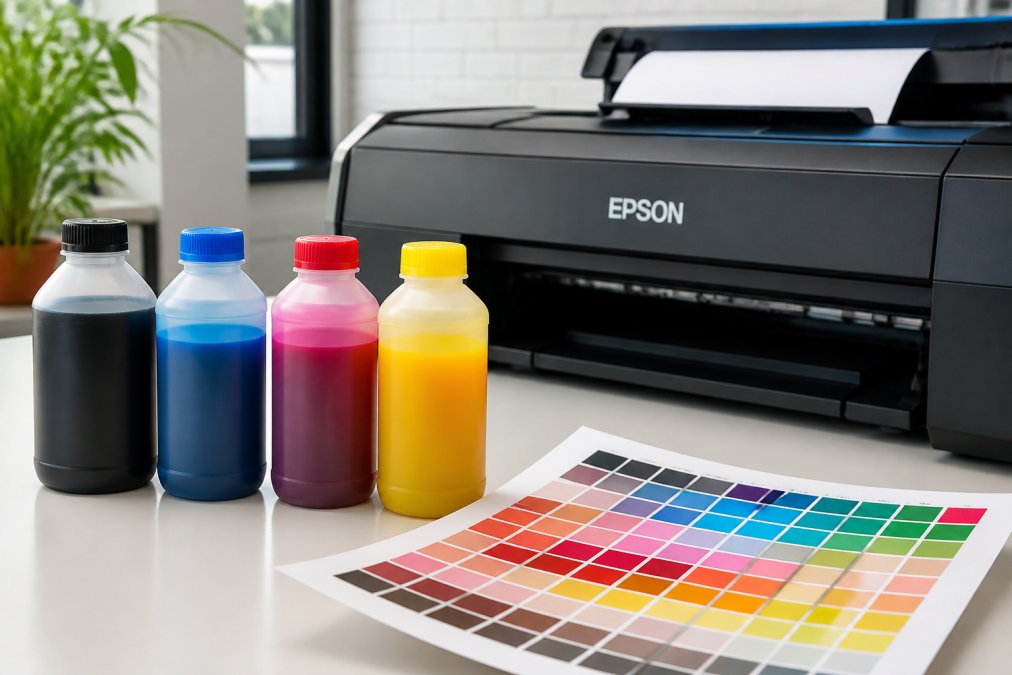
| Ink Brand | Best For | Printer Compatibility | Key Differentiator |
|---|---|---|---|
| Printer Ink Pro | Overall professional use | Epson and Canon | Refillable system + maintenance support |
| BCH Technologies | HP and Epson document/photo | HP, Epson DURABrite | OEM-spec viscosity matching |
| InkOwl | Dye-to-pigment conversions | Epson EcoTank | Made in USA, clog-free formula |
| Precision Colors | Color-critical fine art | Canon Pro-10, Epson | ICC profiles included |
| InkTec | EcoTank and HP Officejet Pro | Epson EcoTank, HP | Microfiltered, low-bubble formula |
| Sensient | Remanufacturers, high-volume | Wide format, industrial | USA-made, industrial consistency |
1. Printer Ink Pro Pigment Inks - Best Overall
Printer Ink Pro is a top pick for professional shops needing a single supplier covering pigment, DTF, dye sublimation, and eco-solvent inks across Epson and Canon platforms. The refillable cartridge system, combined with compatible maintenance tanks and replacement chips, means you are not piecing together a solution from multiple vendors.
Best for: Print shops, fine art photographers, and garment decorators running Epson or Canon printers who need comprehensive ink and consumables support from one source.
Pros:
- Full range: pigment, sublimation, DTF, eco-solvent
- Refillable cartridges and maintenance tanks available
- Replacement chips for older Epson and Canon models
2. BCH Technologies Premium Pigment Ink (Epson and HP)
BCH Technologies is a strong choice for shops running HP or Epson DURABrite-compatible models. Their formulations target OEM-equivalent pH, surface tension, and viscosity specifications. Pricing is accessible, with bulk options available for high-volume users.
Best for: Small businesses and professional shops on HP or Epson DURABrite systems that prioritize cost savings without sacrificing text sharpness.
Pros:
- Resin coating for extra-sharp text
- OEM-spec viscosity and pH matching
- Good fade and water resistance
3. InkOwl Premium Pigmented Ink for Converted Epson Printers
InkOwl's pigment ink is purpose-built for converting Epson dye-based printers to pigment output. Made in the USA, it is available in easy-pour bottles for EcoTank systems.
Best for: Epson EcoTank owners converting from dye to pigment for archival prints, labels, or heat transfers.
Pros:
- Stable pigment dispersion for clog-free operation
- Made in the USA
- Significant improvement in print longevity over dye-based output
4. InkTec Pigment Ink for EcoTank and HP Officejet Pro
InkTec's microfiltered pigment inks deliver good color fidelity, scratch resistance, and fade resistance across Epson EcoTank and HP Officejet Pro platforms. The microfiltration process removes oversized particles that cause nozzle blockage and color inconsistency.
Best for: EcoTank and HP Officejet Pro users who need reliable, fade-resistant output at a lower cost than OEM.
Pros:
- Microfiltered for consistent quality
- Good scratch and fade resistance
- Stable across multiple printer models
5. Precision Colors Bulk Pigment Inks
Precision Colors targets photographers and professional users who prioritize color accuracy. Their bulk pigment inks for Canon Pixma Pro-10, Pro-1000, and various Epson models are sold with ICC profiles for advanced color management.
Best for: Photographers and fine art printers on Canon or Epson platforms who need ICC profile support and color-critical output.
Pros:
- ICC profiles available for color accuracy
- Full color flexibility in ordering
- Sharp, waterproof, fade-resistant prints
6. Sensient Pigment Ink for Remanufacturers and High-Volume Shops
Sensient Imaging Technologies is a global colorant manufacturer designed for professional cartridge remanufacturing and wide-format industrial applications.
Best for: Cartridge remanufacturers and high-volume industrial print operations.
Pros:
- USA-made with industrial quality control
- Broad application range: desktop to wide-format to textile
- Reliable, consistent performance at scale
How to Prevent Printhead Clogging with Third-Party Ink
Preventing printhead clogging with third-party ink requires a proactive maintenance schedule, not reactive cleaning cycles after damage occurs. The most common cause of clogging is infrequent use combined with inadequate flushing protocols.
Printer-Specific Maintenance Schedules
Different printer architectures have different vulnerability profiles. Epson Micro Piezo printheads are sensitive to ink drying at the nozzle face during extended idle periods. Canon FINE cartridges are more tolerant of short idle periods but susceptible to particle settling in the cartridge body.
General maintenance schedule by printer type:
- Epson EcoTank (pigment): Run a nozzle check every 3-5 days if idle. Print a full-color test page weekly to keep all channels active.
- Epson SureColor wide-format: Follow the built-in auto-cleaning schedule; supplement with manual head cleaning if nozzle check shows gaps after 48 hours of idle.
- Canon Pixma Pro: Print at least one full-color image every 5-7 days. Use the printer's deep cleaning function if gaps appear in the nozzle check pattern.
- HP Officejet Pro (pigment): Run a printhead cleaning utility monthly; check ink levels before extended idle periods.
Nozzle Check Routines and Maintenance Tank Monitoring
A nozzle check is the single most important diagnostic tool for printhead health. Run one before any critical print job and after any period of printer inactivity exceeding 48 hours. A clean nozzle check pattern confirms all channels are firing correctly; missing lines indicate partial blockage requiring cleaning.
Maintenance tank monitoring is equally important for Epson printers. The maintenance tank absorbs waste ink from cleaning cycles. When it reaches capacity, the printer stops functioning. Replacement tanks and compatible chips are available through Printer Ink Pro for a range of Epson models.
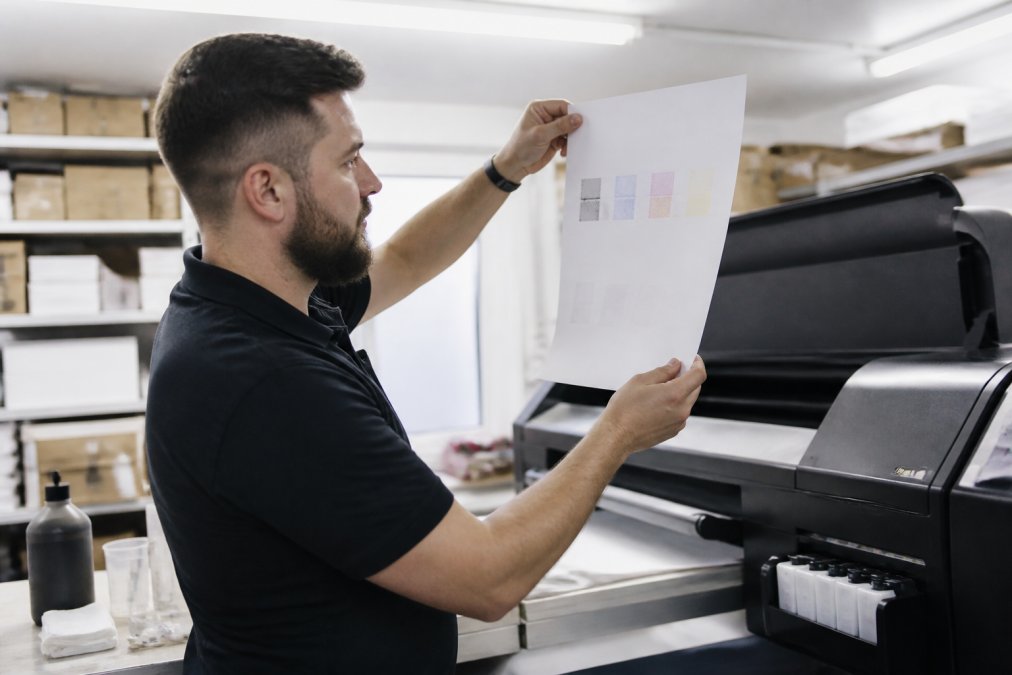
Maintenance checklist:
- Run nozzle check before any critical print job
- Print a full-color test page at least twice per week on idle printers
- Check maintenance tank fill level monthly (weekly for high-volume shops)
- Inspect cartridge chips for error codes before each print session
- Flush the system with cleaning solution if switching ink brands
Color Profiling for Aftermarket Pigment Ink
Color profiling for aftermarket pigment ink is the process of creating or applying an ICC profile that maps how a specific ink-paper combination reproduces color on a given printer. Without an accurate ICC profile, even excellent pigment ink will produce color shifts and inaccurate saturation.
How to Create or Source an ICC Profile
An ICC profile is a standardized data file that describes the color behavior of a specific device or material, allowing color management software to translate colors accurately between input and output.
For most professional users, sourcing a pre-built ICC profile from the ink supplier is the fastest path to accurate color. Precision Colors provides profiles for their Canon and Epson lines. InkOwl offers profiles for converted EcoTank configurations.
To create a custom ICC profile:
- Print a profiling target (such as an IT8 or i1Profiler chart) on your specific ink-paper combination
- Measure the target with a spectrophotometer (X-Rite i1Pro or equivalent)
- Process the measurements in profiling software (i1Profiler, ColorThink, or BasICColor)
- Install the resulting ICC profile in your operating system's color management folder
- Assign the profile in your print driver or RIP software for the relevant paper type
This process takes approximately 30-60 minutes per ink-paper combination and produces profiles significantly more accurate than generic alternatives.
Spectral Analysis and Color Accuracy Verification
Spectral analysis measures the actual spectral reflectance of a printed patch, allowing objective comparison against a reference standard such as the Fogra or GRACoL color targets. For print shops without access to a spectrophotometer, Pantone's color management resources and tools provide a practical reference for verifying color accuracy using visual comparison methods.
Environmental and Sustainability Comparison
Sustainability is an increasingly relevant factor in ink purchasing decisions. Bulk ink purchasing in 100ml to 1,000ml bottles generates dramatically less plastic waste than individual OEM cartridges. A single 500ml bottle of aftermarket pigment ink replaces dozens of single-use OEM cartridges. Refillable cartridge systems extend this benefit further by eliminating cartridge disposal entirely.
Water-based pigment inks have a lower environmental impact than solvent-based alternatives. Sensient and InkOwl both produce water-based pigment formulations manufactured in the USA, reducing the transportation footprint compared to overseas-sourced alternatives. Replacement chips for older Epson and Canon models extend the life of existing cartridge hardware rather than forcing disposal.
Which Third Party Pigment Ink Should You Choose?
Choosing the right third party pigment ink depends on three variables: your printer platform, your primary output type, and your volume requirements.
| Use Case | Recommended Ink | Key Reason |
|---|---|---|
| Mixed Epson/Canon fleet, professional shop | Printer Ink Pro | Single-supplier system with full consumables support |
| Epson DURABrite or HP document printing | BCH Technologies | OEM-spec viscosity, accessible pricing |
| EcoTank dye-to-pigment conversion | InkOwl | Purpose-built formula, USA-made |
| Canon/Epson fine art photography | Precision Colors | ICC profiles, color accuracy |
| EcoTank or HP Officejet Pro everyday use | InkTec | Microfiltered, stable performance |
| Cartridge remanufacturing or industrial scale | Sensient | Industrial consistency, USA-made |
The biggest mistake shops make is choosing an ink based on price alone without verifying viscosity specifications, particle size, and printer compatibility. A printhead replacement costs far more than the savings from a cheap ink purchase.
For shops running multiple printer types with different ink requirements, consolidating with a supplier like Printer Ink Pro that covers pigment, DTF, sublimation, and eco-solvent eliminates the compatibility guesswork and procurement overhead. Get the ink, ICC profile, paper, and maintenance schedule right and aftermarket pigment ink is indistinguishable from OEM in daily production.
Choosing the right third party pigment ink for your operation requires matching formulation quality to your specific printer, paper, and volume requirements. Printer Ink Pro provides a comprehensive solution for professional print shops, offering pigment inks alongside refillable cartridges, maintenance tanks, and replacement chips for Epson and Canon platforms. Visit printerinkpro.com to find compatible ink solutions for your printer model and get started with a cost-effective, high-quality alternative to OEM cartridges.
Frequently Asked Questions
Q: Will using third-party pigment ink void my printer's warranty?
A: Under the Magnuson-Moss Warranty Act, a manufacturer cannot void your warranty solely because you used aftermarket ink. They must prove the third-party ink directly caused the damage. That said, some OEM firmware updates can block non-OEM cartridge chips, so check for firmware lock-out risks before switching. Using quality aftermarket pigment inks formulated for your specific printer model significantly reduces any compatibility risk.
Q: What are the primary advantages of using pigment-based ink over dye-based ink?
A: Pigment-based ink uses solid color particles suspended in liquid, which sit on top of the paper surface rather than soaking in. This produces sharper text, stronger resistance to water and UV fading, and far longer print longevity, often 75 years or more under proper storage. Dye-based ink delivers a wider color gamut on glossy media but fades faster and is more vulnerable to moisture, making pigment the better choice for archival prints and fine art output.
Q: How do I ensure color accuracy when switching to third-party pigment ink?
A: Color accuracy with aftermarket pigment ink depends on using the correct ICC profile for your specific ink-and-paper combination. Most quality third-party suppliers provide downloadable ICC profiles, or you can have a custom profile built using a spectrophotometer and profiling software. Install the profile in your printer driver, disable automatic color management in your editing software, and run a nozzle check before your first production run to confirm consistent color output across all channels.
Q: Are there specific maintenance steps required when using third-party pigment inks?
A: Yes. Pigment inks, including aftermarket formulations, can settle in printheads during idle periods. Run a nozzle check at least once a week if the printer sits unused. Print a small color maintenance sheet every few days in high-humidity environments. Monitor your maintenance tank fill level, as cleaning cycles consume ink. Avoid mixing pigment-based and dye-based inks in the same cartridge slot, and always use inks matched to your printhead's ink viscosity requirements.
Q: How does third-party pigment ink perform on fine art paper?
A: High-quality aftermarket pigment inks perform very well on fine art papers, including matte, luster, and satin finishes, when paired with the correct ICC profile. The key variables are ink lightfastness rating, paper coating compatibility, and drying time. Some aftermarket inks show slight color shift on heavily textured matte surfaces without a custom profile. For exhibition-grade output, source inks that publish independent longevity test data and confirm compatibility with your specific fine art paper stock.
This article was written using GrandRanker